Telegram, Web & Android · iOS soon

One word.
Every language you speak.

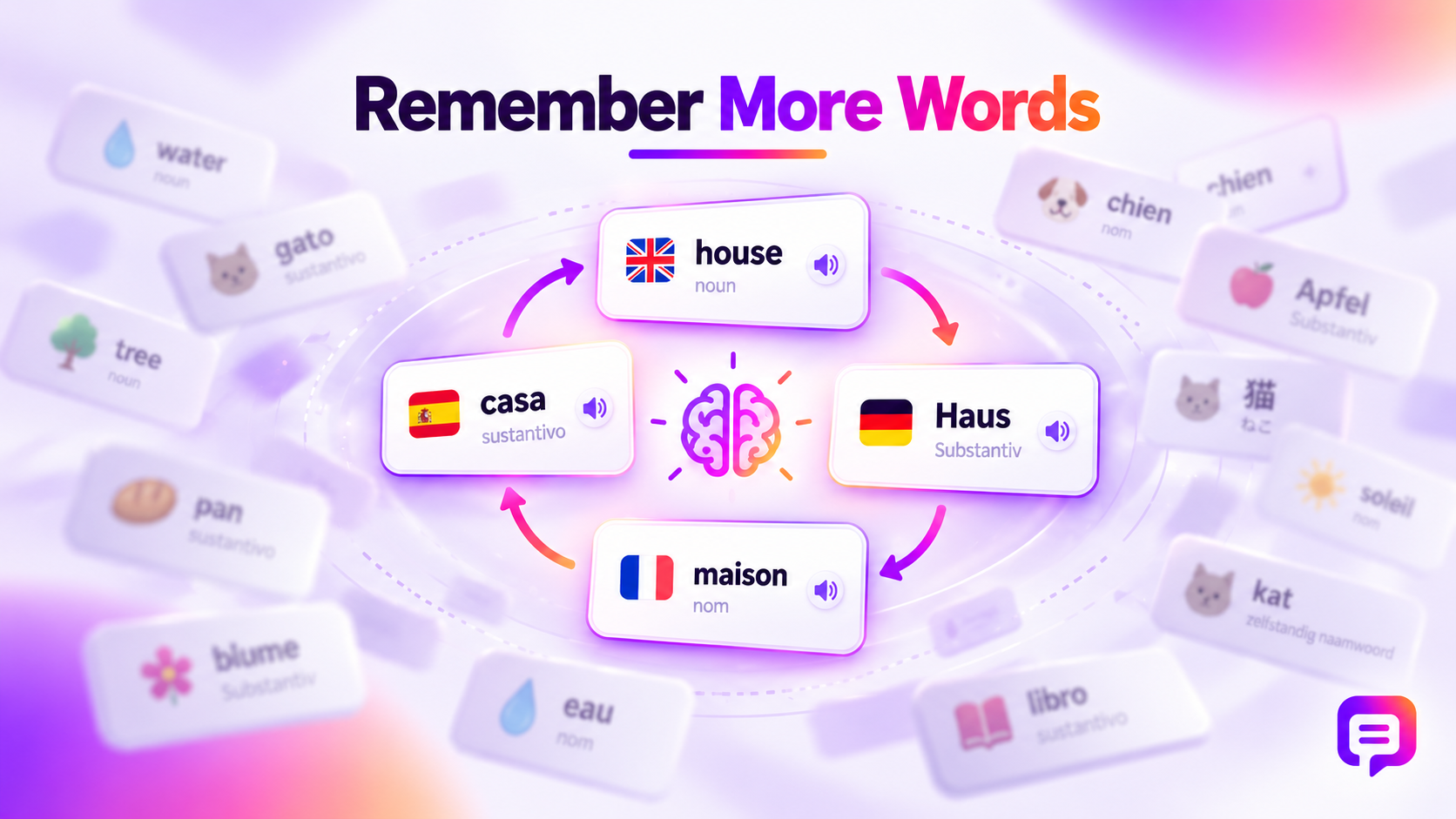
Most apps make you rebuild the same vocabulary for every language pair. ParallelLingvo keeps one concept — with all its translations, sentences and pronunciation — in a single card. Learn a word once, progress in three languages at the same time.

AI-built lessons — give it a word, a list or a topic; it builds translations, examples and a ready lesson.
Learning you can guide — parents assign lessons, set priority and see each child's progress.
One concept. All your languages. — a single concept links to several languages at once, not separate pairs.
Built for teachers — mixed-language group? Just search for the word instead of switching translators.
Connect via MCP — add words straight from any AI tool you already use through an MCP connector.
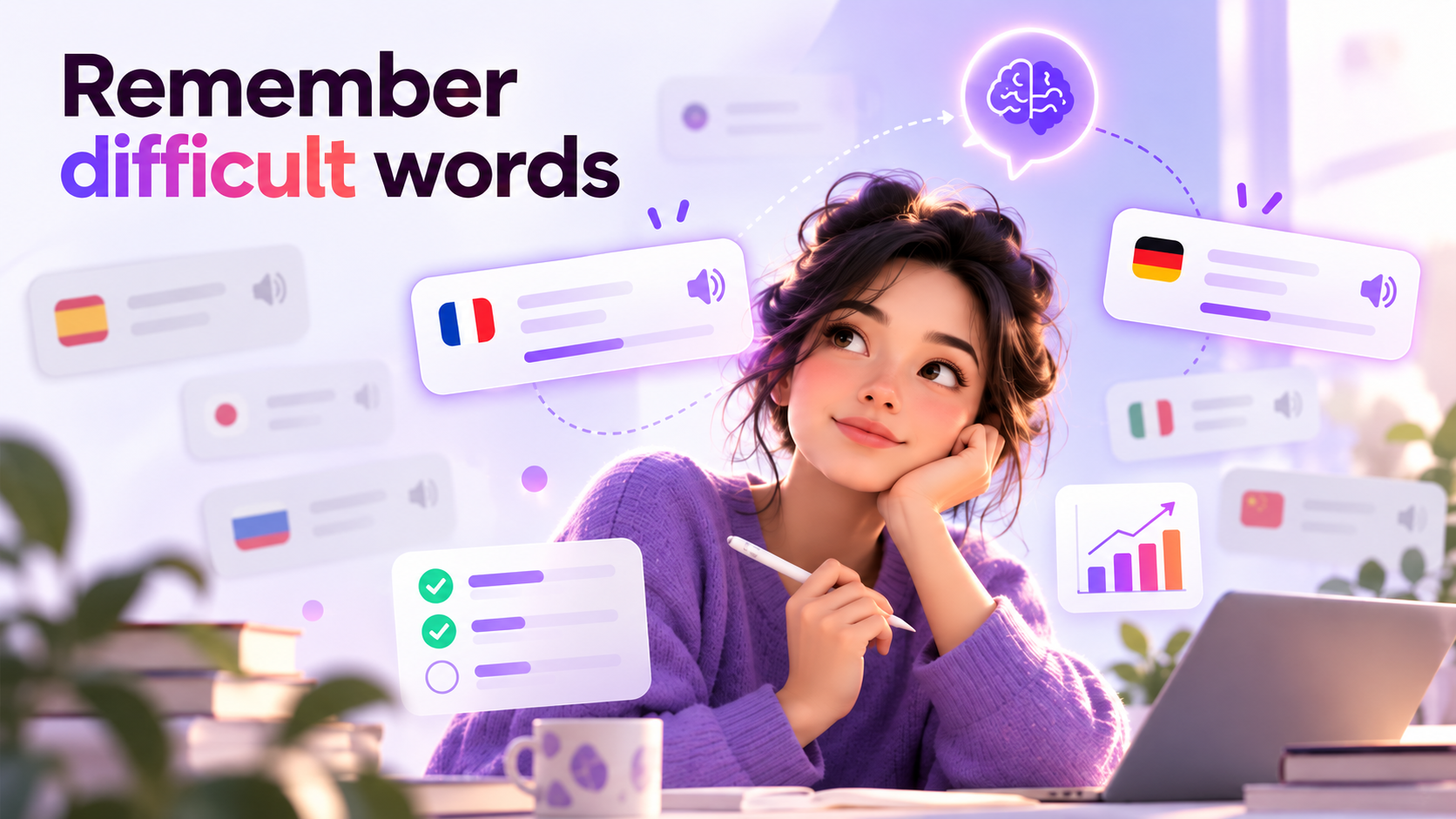
Focus on difficult words — mark tricky words and train them separately.
9:41
↩ Unit 4
Daily goal 10:00
Live demo

Build your own set of languages

Choose up to six of the 48 languages on the left. The app rebuilds around them: one word, every translation, and a spelling exercise in the language you tap.

Choose your languages 3 / 6
Pick up to six. The app on the right rebuilds itself around exactly those languages.
Unit 1 · Weather 1 / 25

Scan to open on your phone

Word sources

Four ways to fill your deck

Paste words, one per line
Follow us

Scan, follow, stay updated

Family accounts

One deck, parent and child in sync

A parent account sees the child's real progress, sets what matters most, and can hand over new words any time.

◉Real progress, not guesses — words learned, streak and accuracy per language, updated live.
★Priority lessons — pick which topic the child practices first today.
⇄Synced word lists — the parent's and child's decks stay the same set, always.
+Hand over new words — a parent adds words and they land straight in the child's queue.
Children dashboard
Priority lesson for the child
Current priority:
Correct vs incorrect
Answers by day, last 12 days
Correct Incorrect
Pricing

Pick your plan

Start free, choose Premium for more AI, or bring your children along with Family.

Free
€0
free, with ads
✓ 48 languages, regular lessons and review ✓ Add words manually or through MCP ✓ Audio, difficult words and progress ✓ Sync your account across devices ✓ Limited AI access
Premium
€4.99
per month, no ads
✓ Everything in Free, without ads ✓ AI translations, examples and explanations ✓ AI-built lessons and text analysis ✓ Higher AI limits, subject to fair use ✓ Sync your account across devices
Best value
Family
€9.99
per month, no ads
✓ Premium for 1 parent + up to 4 children ✓ AI features and no ads for the whole family ✓ Parental controls and child account management ✓ Family dashboard, progress and streaks ✓ Assign lessons, add words and set priorities
FAQ

Good questions

Which languages are supported?

48 at launch: the major European languages plus Mandarin, Japanese, Korean, Arabic, Hindi, Indonesian and Vietnamese. More can be added without redesigning storage.

Can I really learn more than three at once?

Yes. Translations stay attached to the same concept, so a session in one lesson moves every selected language forward.

How is it different from a flashcard app?

Flashcards are bilingual by design — one deck per pair. Here the structure itself is multilingual, and you type the word out letter by letter instead of just recognising it.

Does it work on mobile?

Yes — a mobile-first web app, an Android app, and a Telegram mini app. Native iOS is planned.
From the blog

All articles →

Learn one word.
Move three languages.

Open it in Telegram, on the web, or on Android and start with your first lesson today.